Manage Orders
Learn how you can view your orders and manage them live
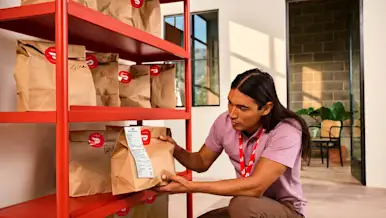
How to Have Faster Deliveries and Lower Avoidable Dasher Wait
Set up NFC Dasher Check-In in minutes: tile placement, activation, pausing, and FAQs to speed up pickups and cut Dasher wait times.
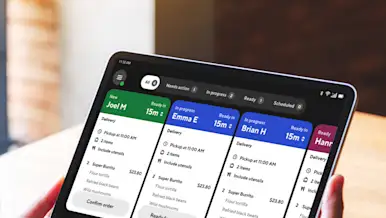
Adjusting Existing Orders in the DoorDash Tablet
You can adjust active and scheduled orders directly from your DoorDash Tablet. This includes updating pickup times, contacting customers or Dashers, managing out-of-stock items, issuing refunds or replacements, and contacting Support — all from the Live Orders screen.

How to Operate and Manage Your Store Orders
You can manage DoorDash orders in real time using the Merchant Portal, the Business Manager app, a point-of-sale (POS) integration, or the DoorDash Tablet. This includes adding pickup instructions, identifying pickup orders, marking items out of stock, contacting customers or Dashers, and canceling orders when needed.

How Do I Reduce Avoidable Dasher Wait Time?
Avoidable Dasher wait time is the extra time Dashers wait at pickup after your stated prep time has passed. Keeping this low helps deliveries run smoothly, improves customer satisfaction, and reduces friction at pickup. You can track your avoidable wait time in the Merchant Portal and take simple steps to reduce it.
How to Prevent Avoidable Cancellations
Avoidable cancellations are orders that are canceled for reasons within your store’s control. This guide explains what counts as an avoidable cancellation, how to find your rate, and what you can do to reduce it.

5 Ways to Simplify Your Restaurant’s Delivery Orders with DoorDash POS Integrations
Learn how POS integrations from DoorDash Preferred Integration partners can help reduce manual work, minimize errors, and save time.