Avoidable cancellations are also one of the operational signals used to understand how your store is performing on DoorDash and determine your Merchant Status every month. Your status on the Road to Most Loved helps you see where your store stands, what may be impacting performance, and what actions can help strengthen it over time.
What are avoidable cancellations?
Avoidable cancellations are orders canceled by your store, customers, or DoorDash for reasons that could have been prevented through store operations.
Common causes include:
Store hours not being up to date
Accepting orders when your store is too busy to fulfill them
Items listed as available but out of stock
Orders not confirmed in time
Staff-requested cancellations
Point-of-sale (POS) errors (for POS-integrated stores)
Some cancellations are outside your control, but the scenarios above are typically preventable with accurate settings, up-to-date menus, and timely actions.
Why do avoidable cancellations matter?
When an order is canceled, customers may leave disappointed, sales opportunities may be lost, and your store’s reliability can be impacted.
Cancellations are one of several operational signals used to help merchants understand store performance. Alongside factors such as order accuracy, menu quality, and photo coverage, your store’s cancellation rate can influence where your store stands on the Road to Most Loved, the highest Merchant Status level, and the only status visible to customers on DoorDash.
Small improvements to operational reliability can reduce the overall cancellation rate, strengthen customer experience, and help your store perform more consistently over time, which may help more customers discover your store as well as increase your store page conversion.
How do I find my avoidable cancellation rate?

You can find your avoidable cancellation rate in the Merchant Portal.
Open the Merchant Portal, select Insights from the left-hand navigation
Choose Operations Quality
Look for the Cancellations card under Areas on track. Here, you can see:
Avoidable Cancellation Rate: The percentage of cancellations related to store operations that could have been prevented.
Sales Lost: The subtotal value of avoidable canceled orders
All Cancellations Rate: Total percentage of cancellations, including avoidable cancellations, along with other cancellation categories.
Select View Canceled Orders to review details and identify patterns
How can I reduce avoidable cancellations?
Below are the most common reasons for avoidable cancellations, why they matter, and how to reduce them:
Your store is closed, but shown as open
To avoid orders coming in when your store isn't operating:
Customers expect orders to be fulfilled during listed operating hours. Inaccurate hours can lead to canceled orders, frustrated customers, and lost sales. To avoid orders coming in when your store isn't operating:
Keep store hours up to date in the Merchant Portal, tablet, or by updating your menu through your POS integration
Update hours for holidays and special closures
Add clear Dasher instructions and in-store signage to prevent incorrect “store closed” reports

Your store is too busy to fulfill orders
Accepting orders your store cannot complete may lead to cancellations and a less reliable customer experience. To avoid accepted orders when your kitchen can't keep up:
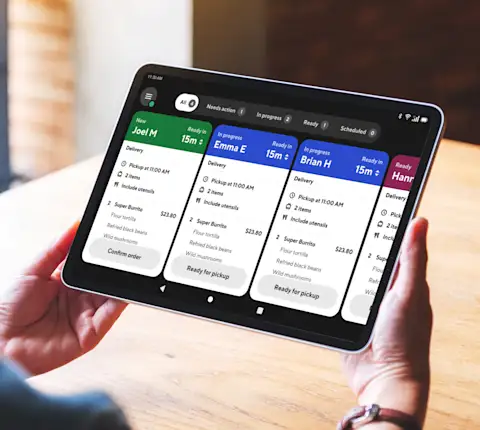
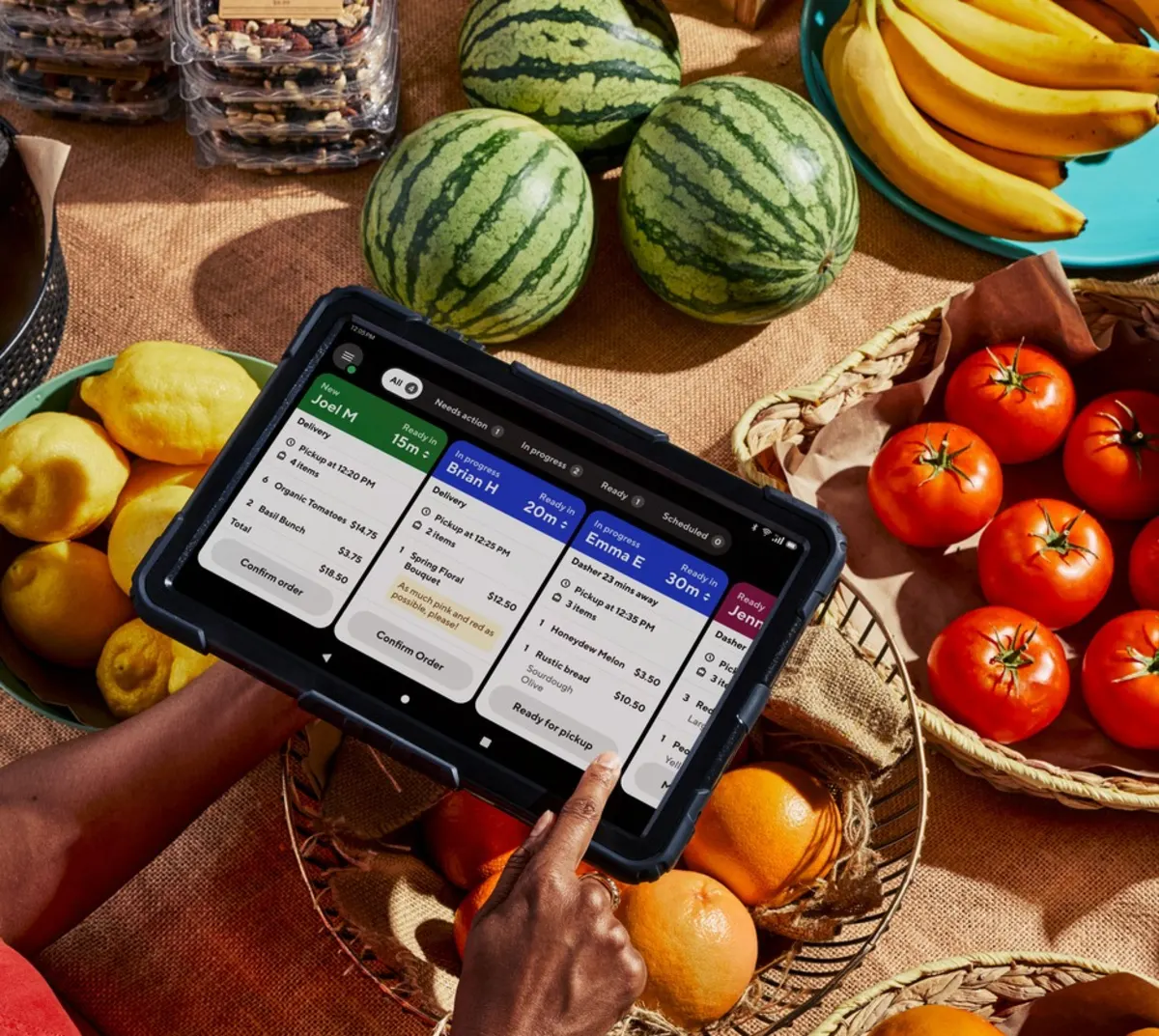
Use the Busy Kitchens tablet feature to add prep time
Temporarily pause orders when needed
If you don't use a tablet, pause orders in the Merchant Portal under Store Availability → Store Status
Pause individual ordering channels if only one channel needs to stop

Items are out of stock but still listed as available
Orders for items that cannot be fulfilled often result in cancellations. To avoid them:
Mark items as out of stock in the Merchant Portal, tablet, or POS
Review your menu regularly to ensure availability is accurate
Update availability as inventory changes throughout the day
Orders aren't confirmed in time
Delayed confirmations can prevent orders from moving smoothly through the fulfillment process and may result in cancellations:
Enable auto-confirmation on your tablet or POS, if available
Confirm orders promptly when using phone or email protocols
Ensure staff know how to manage incoming DoorDash orders during busy periods

A staff member requests a cancellation
Some operational issues can be resolved without canceling the order, helping preserve sales and improve customer experience. To avoid unnecessarily canceled orders due to workflow issues:
Train staff on available order issue resolution options
Review recurring cancellation reasons with your team
Use cancellations only when absolutely necessary
Wrong Dasher handoff
Incorrect handoffs can create fulfillment issues that may ultimately result in canceled or incomplete orders. To avoid giving orders to the wrong Dasher:
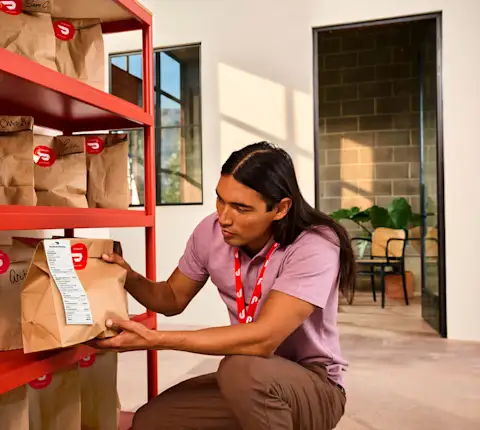
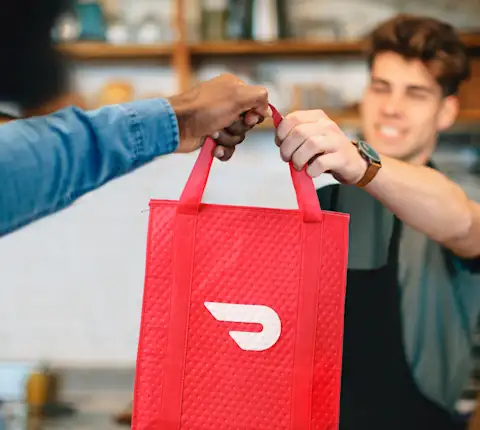
Confirm the order name with the Dasher before handing off the order
Establish a consistent pickup verification process
Document issues in the Merchant Portal when mistakes occur
How do avoidable cancellations influence your Road to Most loved
Your Merchant Status shows where your store stands, what may be impacting performance, and what to improve next to help you earn Most Loved status on DoorDash.
Overall cancellation rate is one of the operational signals used to calculate your current Merchant Status. Reducing avoidable cancellations, will influence your store’s performance and can also help you move status’.
Improving cancellation performance starts with understanding what is causing cancellations in the first place. Small improvements can add up over time. By reducing avoidable cancellations and improving operational reliability, you can strengthen customer experience, reduce lost sales, and continue progressing on your Road to Most Loved.