Get Started
Get your account and store set up on DoorDash

How to share your Direct Ordering link
You've launched Direct Ordering. Now help customers find it. Learn a few simple ways to promote your ordering page with QR codes, Google, social media, and email.

CHAT WITH A MARKETING SPECIALIST
Set up your marketing campaign and optimize it for performance with DoorDash's help.

How To Set up Your Restaurant’s Banking Information in the Merchant Portal
Setting up your banking information in the Merchant Portal is required to receive payouts from DoorDash. This article explains who can access banking details, how to add or update direct deposit, and how to submit required tax information so your payments continue without interruption.

How to Get Started on DoorDash: A Full Setup Guide
Learn how to sign your store up for DoorDash, set up your menu, activate your tablet or POS, and start receiving orders in as little as 1-5 days.

How to Navigate the Merchant Portal
The Merchant Portal is where you manage your DoorDash business — from tracking orders and payouts to updating menus, hours, and settings. This guide walks through each main section so you can quickly find what you need and take action.
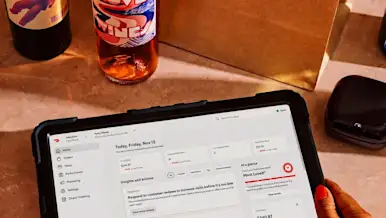
How to Log In to the Merchant Portal
The DoorDash Merchant Portal is the central place to manage your business on DoorDash. From logging in and managing access to adding stores and keeping information up to date, the Merchant Portal brings your essential tools and settings together in one place. This guide explains how merchants typically use the Merchant Portal and where to go when you need step-by-step instructions.