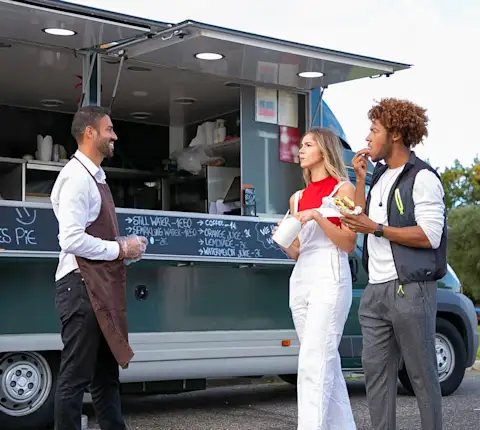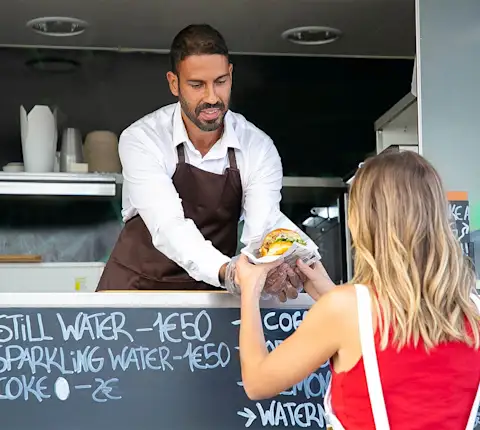
The origins of contactless delivery date back to the mid-aughts, when Amazon Locker introduced unattended pickup. The delivery style accelerated during the COVID-19 pandemic and, today, is the default consumer expectation.
As a result, customers no longer think too much about which channel they're ordering from. They just expect the experience to be consistent. Contactless delivery ensures exactly that.
How Does Contactless Delivery Work?
Customers today manage their orders almost entirely through mobile apps, from browsing and checkout to real-time tracking and delivery confirmation. In fact, a 2025 National Restaurant Association report found that 51% of Gen Z and millennial consumers say picking up takeout or ordering food delivery is essential to their lifestyle.
Most steps, including order placement, routing, drop-off instructions, and delivery confirmation, run through the app, helping you streamline coordination on your end. Contactless delivery works in two phases: what happens at your restaurant, and what happens at the customer's door.
Contactless Pickup at the Restaurant
Once an order is placed, the staff prepares it and sets it in a designated pickup area. The Dasher arrives, locates the order by name or order number, and picks it up, often without much interaction with your team.
As a merchant, you control how that handoff works. DoorDash lets you set your own pickup protocol, specifying where Dashers should wait, where orders are staged, and any delivery instructions specific to your layout. That clarity reduces confusion during busy periods and keeps your front-of-house running smoothly.
Contactless Delivery to the Customer
On the customer side, DoorDash offers two delivery preferences: No Contact and Hand It to Me. Customers set this preference at checkout, and Dashers follow it at drop-off.
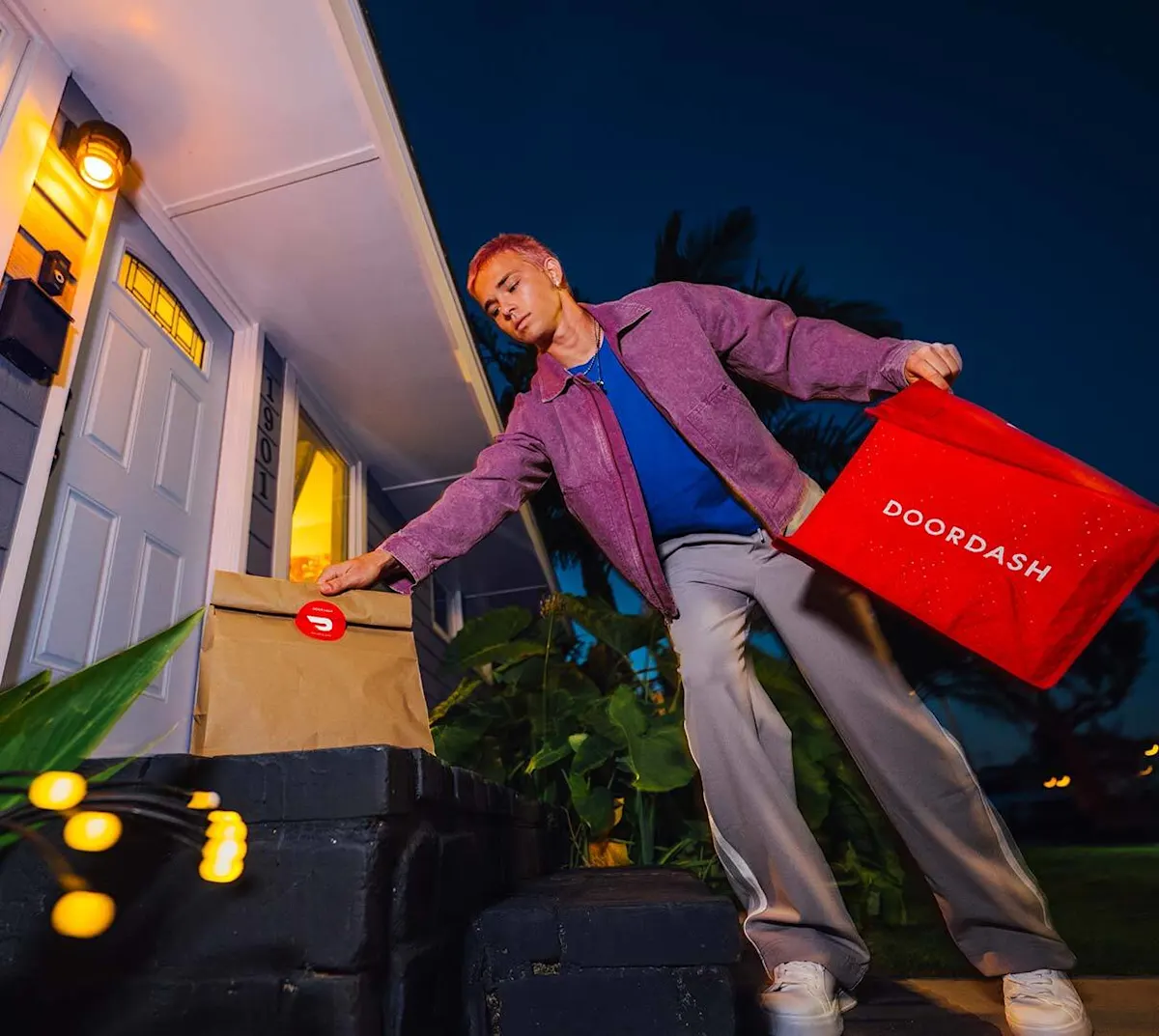
When a customer selects No Contact, the Dasher leaves the order at the specified location, takes a photo as confirmation, and the customer receives a notification. The entire handoff requires no back-and-forth between the Dasher and the customer, and the experience is hassle-free.
The Benefits of No-Contact Delivery for Your Business
Offering no-contact delivery both reduces physical touchpoints and improves how seamlessly your operation runs. It can also affect how customers feel about ordering from you again.
Safety and Sanitation
Contactless delivery reduces direct interactions at both pickup and drop-off. Your staff will see fewer hand-to-hand exchanges during peak hours. For customers, it provides confidence that their order was handled carefully from your kitchen to their door.
Fewer touchpoints also simplify your sanitation protocols. When handoffs are standardized and hands-free, your team can focus more on food preparation and less on managing exceptions.
Efficiency and Speed
Delivery moves faster when a Dasher doesn't have to wait for a customer to come to the door. Leaving an order at a designated spot, confirming it with a photo, and closing it out through the app cuts down on waiting time, back-and-forth, and missed connections.
On the restaurant side, a clearly defined pickup area, combined with your DoorDash pickup protocol, helps Dashers get in and out quickly. During a busy rush, those small time savings add up, improving overall operational efficiency.
Brand Trust
Giving customers a choice in how their order is delivered signals that you take their preferences seriously. For many customers, the option to select No Contact is as much about feeling in control as it is about safety. When that expectation is met consistently, it can help build the kind of trust that encourages customer loyalty.
Some merchants see that reflected directly in their numbers. When Trill Burgers, a Houston-based smash burger concept, launched delivery through DoorDash for the first time, the response was immediate. The brand saw a 142% year-over-year increase in sales, with 80% of total sales coming through DoorDash. According to co-founder Andy Nguyen: "We've had a tremendous impact from DoorDash. We had never used delivery before, and when we launched, it pretty much went crazy." Results like these depend on many factors, but a reliable, consistent delivery experience is part of what keeps customers ordering.
Key Technology Behind Contactless Delivery
Contactless delivery works because the technology behind it handles much of the coordination that used to happen over the phone or at the door.
Two components make that possible: real-time tracking with push notifications, and digital proof of delivery.
Real-Time Tracking and Notifications
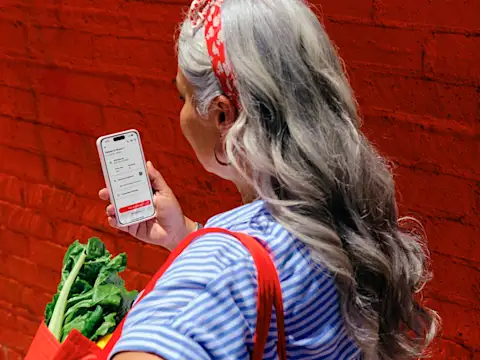
Once a Dasher picks up an order, customers can follow its progress on a real-time live map through the DoorDash delivery app and receive push notifications as the package approaches. When customers can follow their order in real time, they're less likely to call your restaurant for updates during a busy service.
Digital Proof of Delivery
After a Dasher completes the drop-off, they photograph the order at the designated location before closing out the delivery. That photo is time-stamped and tied to the order, so if a dispute arises, there's a clear record to reference.
In practice, that photo serves as a digital confirmation of delivery, similar to the role signatures used to play. For merchants, this is the documentation needed when a customer claims an order never arrived. For Dashers, it’s confirmation of a completed order. Together, tracking, alerts, and photo records give everyone involved a shared view of what happened, no direct contact needed.
The Challenges of No-Contact Delivery (and How to Solve Them)
Contact-free delivery can run smoothly, though sometimes you’ll encounter a few operational challenges. Here's where restaurants most commonly run into issues, and how to optimize them.
Maintaining Food Quality and Temperature
Not every customer grabs their order the moment it arrives at their doorstep. When this happens, food quality can suffer, especially for hot or temperature-sensitive items. You can avoid this by using:
Insulated delivery bags to help maintain temperature during transit and at the drop-off point.
Tamper-evident packaging to signal to customers that their order arrived exactly as prepared.
Both should be part of your standard packaging workflow, not just your delivery orders.
Navigating Complex Handoffs
It can be harder to execute deliveries to apartment buildings, gated communities, and large office complexes, as the exact drop-off point can often be unclear. The DoorDash app helps confirm the address through clear, specific pickup area instructions, reducing the chance of a missed or misplaced drop-off.
Managing "Order Not Received" Disputes
Even with a solid delivery process, some customers will report that an order never arrived. Photo capture at drop-off comes with a time-stamped record tied to the order and location. When a customer says their order never arrived, that record is your first line of response.
Ensuring Driver and Staff Training
The technology only works if everyone knows how to use it. Dashers need to understand when and how to use photo capture at drop-off, and your staff needs to know how to stage orders correctly for contactless pickup. A short onboarding process for new team members, combined with clearly posted instructions in your pickup area, closes most of the gaps.
How to Implement and Optimize Contactless Delivery in Your Restaurant
Enabling a contactless delivery option at checkout is just the start. It’s what comes after that sets you up for success. Here is a step-by-step guide on how to build a workflow that holds up during busy periods and improves the overall customer experience, one order at a time.
Step 1: Audit Your Online Ordering Stack
Make sure contactless delivery is enabled and working properly across all your systems.
Start by confirming that your point-of-sale system integrates with your delivery provider and can properly pass contactless delivery instructions through to the Dasher. If your POS and delivery tools don't talk to each other, contactless preferences or other special delivery instructions can get lost or missed.
When everything is connected:
Customers can select "contactless delivery" at checkout
That preference automatically reaches the Dasher through the delivery app
Your team gets clear visibility into which orders are contactless, so you can prepare them accordingly
If your systems aren't talking to each other, some orders might show up as contactless in the app but not in your kitchen display system—or vice versa. This creates confusion during busy periods and can lead to delivery mishaps.
Step 2: Define Your Pickup Area and Instructions
Designate a specific spot in your restaurant where Dashers can locate and collect orders quickly, without needing to flag down a staff member. Then configure your DoorDash pickup protocol with enough detail that a first-time Dasher can follow it without confusion, including where to enter, where orders are staged, and any access instructions.
Step 3: Standardize Your Packaging
Think through a recent delivery order from your kitchen to the customer's doorstep and identify where packaging could fail. Temperature loss and tamper concerns are the two most common gaps. Use insulated bags for temperature-sensitive items and tamper-evident packaging on all delivery orders, not just contactless ones.
Step 4: Train Your Team and Designate a Delivery Specialist
Make sure staff know how to organize orders for contactless pickup and understand your hygiene protocols. Brief new hires during onboarding. During busy periods, having one person focus on bagging and final checks can reduce mistakes and free up the rest of your front-of-house team.
Step 5: Encourage Customers to Use Delivery Notes
For complex drop-off locations, delivery notes and GPS pinning help the delivery person find the exact spot without a face-to-face handoff. A short prompt at checkout can increase how often customers fill these in.
Step 6: Promote No-Contact Ordering In-Store
Use QR codes on receipts or in-store signage to point customers toward your online ordering channel. Once customers see the contactless delivery option, many prefer to use it again.
Step 7: Test the Experience from the Customer's Side
Place a test order periodically to verify that tracking notifications fire correctly, drop-off instructions display clearly, and the overall delivery experience matches what you intend.

Scale Faster with Marketplace + Direct
Contactless delivery works best when you have a platform that can bring in orders and handle the logistics behind the scenes. DoorDash Marketplace helps you reach DoorDash customers in your area and offer contactless delivery from day one. DoorDash Commerce Platform helps you build more profitable direct orders over time by enabling commission-free, no-contact ordering on your own channels.
New to DoorDash? Join DoorDash Marketplace to connect with DoorDash customers in your area and offer contactless delivery, with Dashers, tracking, proof of delivery, and customer notifications all built into the DoorDash platform.
Already on Marketplace? Activate the Commerce Platform to turn discovery into loyalty. Merchants often see 9–10% conversion rates on direct ordering channels, and because orders come through your own site, you keep more of each sale. Note that the Commerce Platform is available to merchants already on Marketplace.
Proven Technology. Both channels run on the same tracking and photo-proof systems that power DoorDash deliveries at scale, which can help your customers get a more consistent, reliable contactless experience.
Get Started with Marketplace + Direct — setup is straightforward with your existing Marketplace account.