A POS integration should make running your restaurant easier, not add stress. When your system connects to DoorDash through a verified partner, orders, menus, and item availability can sync automatically, helping your team stay focused on customers instead of multiple screens.
If you are unsure whether your integration is pulling its weight, here is how you can evaluate its performance and what to look for if you are considering an upgrade.
What a well-functioning POS integration looks like
A strong POS integration should run quietly in the background. You will typically see:
Orders appear automatically in your POS with accurate items, modifiers, and special instructions.
Menu or pricing updates made in your POS appear on DoorDash within minutes.
Inventory status is updated proactively so customers cannot order items you are unable to prepare.
Predictable prep times that help Dashers arrive when orders are ready.
Less manual work with fewer touchpoints and no double entry.
A good integration does more than pass orders along; it helps your team stay accurate and efficient even during your busiest shifts.
If you use a middleware provider instead of a direct POS integration, the experience should feel the same. A middleware provider is a third-party tool that connects your POS to DoorDash when a direct integration is not available. Middleware passes orders, menu updates, item availability, and prep-time data between systems. When set up correctly, it should support the same core functions as a direct integration: reliable order flow, real-time menu syncing, accurate 86ing, and predictable prep times.

Signs your POS integration may need improvements
If your POS or middleware integration isn’t working smoothly, the symptoms show up fast:
Frequent re-keying or correcting mismatched order details
Menu discrepancies (missing items, outdated pricing, incorrect availability)
Delayed or inconsistent order notifications
Items appearing online when they aren’t available in your kitchen
Dashers arriving at the wrong time because prep times aren’t syncing accurately
Even small issues can add up, affecting accuracy and guest satisfaction. Reviewing your setup regularly helps catch problems early.
How to assess whether your integration is helping
A good integration does not just feel easier; you can measure its impact. Reviewing your setup quarterly, or whenever you update your menu, pricing, or prep times, helps ensure everything stays in sync. Ask yourself:
Are we spending less time transferring or correcting orders?
Are fewer mistakes reaching the kitchen?
Is our financial reporting automated for all order types, including promotions?
Are Dashers arriving closer to our actual prep times?
You can also use the data in your POS to spot patterns:
Are online orders more accurate than they used to be?
Are we seeing fewer cancellations due to out-of-stock items?
Are sales trends clearer now that all orders flow through one system?
If your integration does not support features like proactive item polling or automated reconciliation, you may be missing opportunities to streamline operations. It is worth checking whether your POS or middleware provider is a DoorDash Preferred Integration partner with our Integration Comparison Tool.
Why connect with a DoorDash Preferred Integration partner
A Preferred Integration can help your restaurant run more smoothly by reducing manual work and keeping your online channels aligned with your kitchen. These partners support advanced capabilities designed to simplify operations, especially during busy shifts when accuracy matters most.
With a DoorDash Preferred Integration partner, you get access to features like:
Self-guided store setup and activation so you can get connected quickly without additional support.
Proactive Item Polling: This allows DoorDash to verify your inventory status automatically, which virtually eliminates cancellations caused by out-of-stock items.
Integrated Promotions: Automatically ingests details for merchant-funded and co-funded promos, ensuring your POS financial reports are always accurate.
Universal Error Specs: Your system provides detailed, actionable reasons for any order issues, enabling a self-healing process that prevents future errors.
Real-time menu syncing and 86ing to keep pricing and availability up to date instantly.
Order-ready notifications that help Dashers arrive closer to the actual pickup time.
Many merchants find that these integrations reduce tablet juggling and cut down on order re-entry, allowing staff to stay focused on customers instead of screens.
Getting started with a Preferred Integration partner
Connecting to a Preferred Partner is straightforward, and most restaurants are able to activate the same day.
Here’s what setup typically looks like:
Choose your POS or middleware from the Preferred Integrations directory.
Follow self-serve activation steps or connect through your POS or middleware provider.
Review and test your setup, including menus, item availability, and prep times.
Go live and compare a day of operations before and after activation.
Most teams notice immediate improvements in organization and fewer interruptions during service.
Connecting to a Preferred Partner is straightforward, and most restaurants are able to activate the same day. Here is what setup typically looks like:
Choose your POS or middleware from the Preferred Integrations directory.
Follow self-serve activation steps or connect through your POS or middleware provider.
Review and test your setup, including menus, item availability, and prep times.
Go live and compare a day of operations before and after activation.
Most teams notice immediate improvements in organization and fewer interruptions during service.
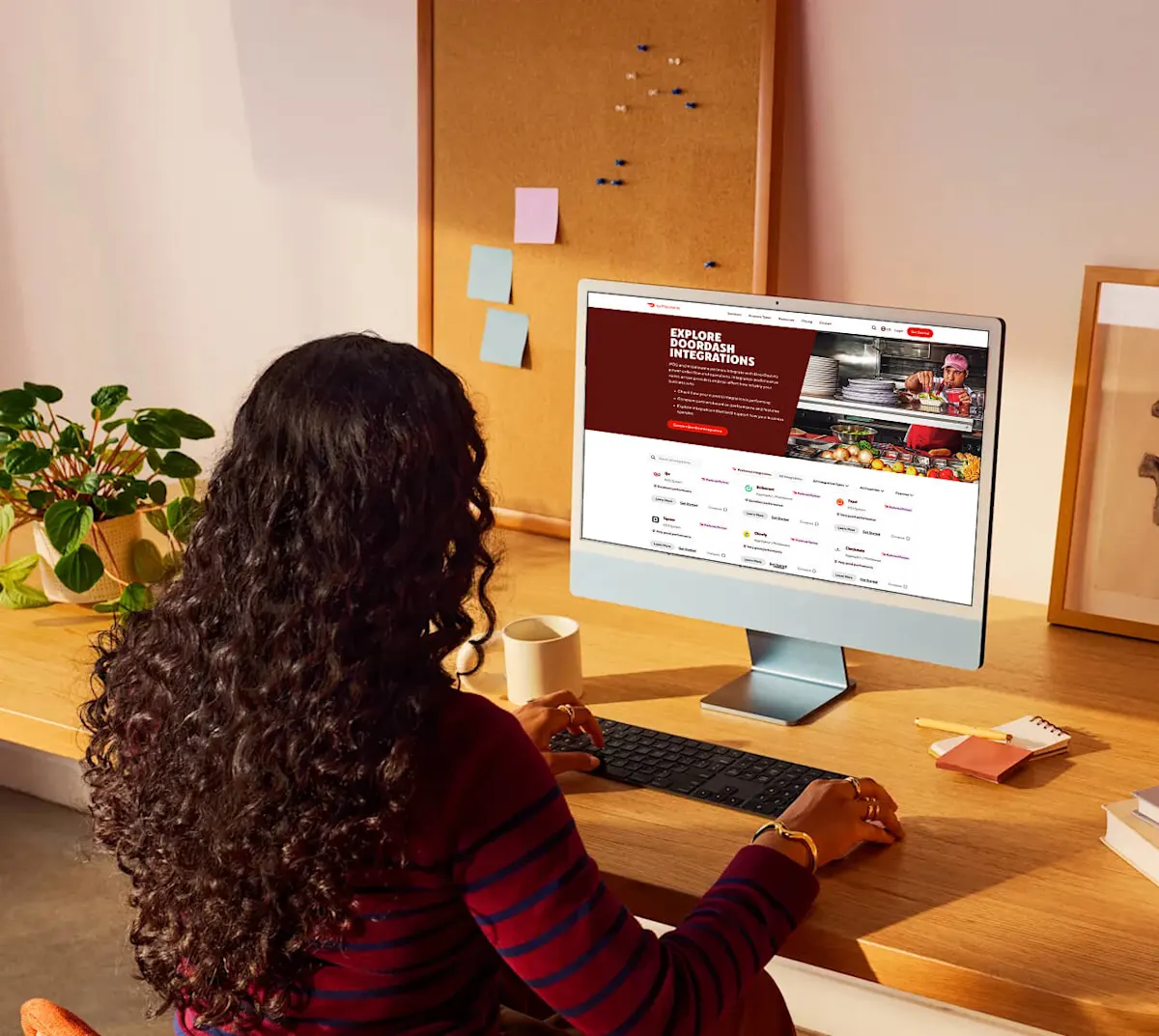
Ready to compare your current provider? Explore the Preferred Integrations comparison tool:
DoorDash Integrations Comparison Page